About
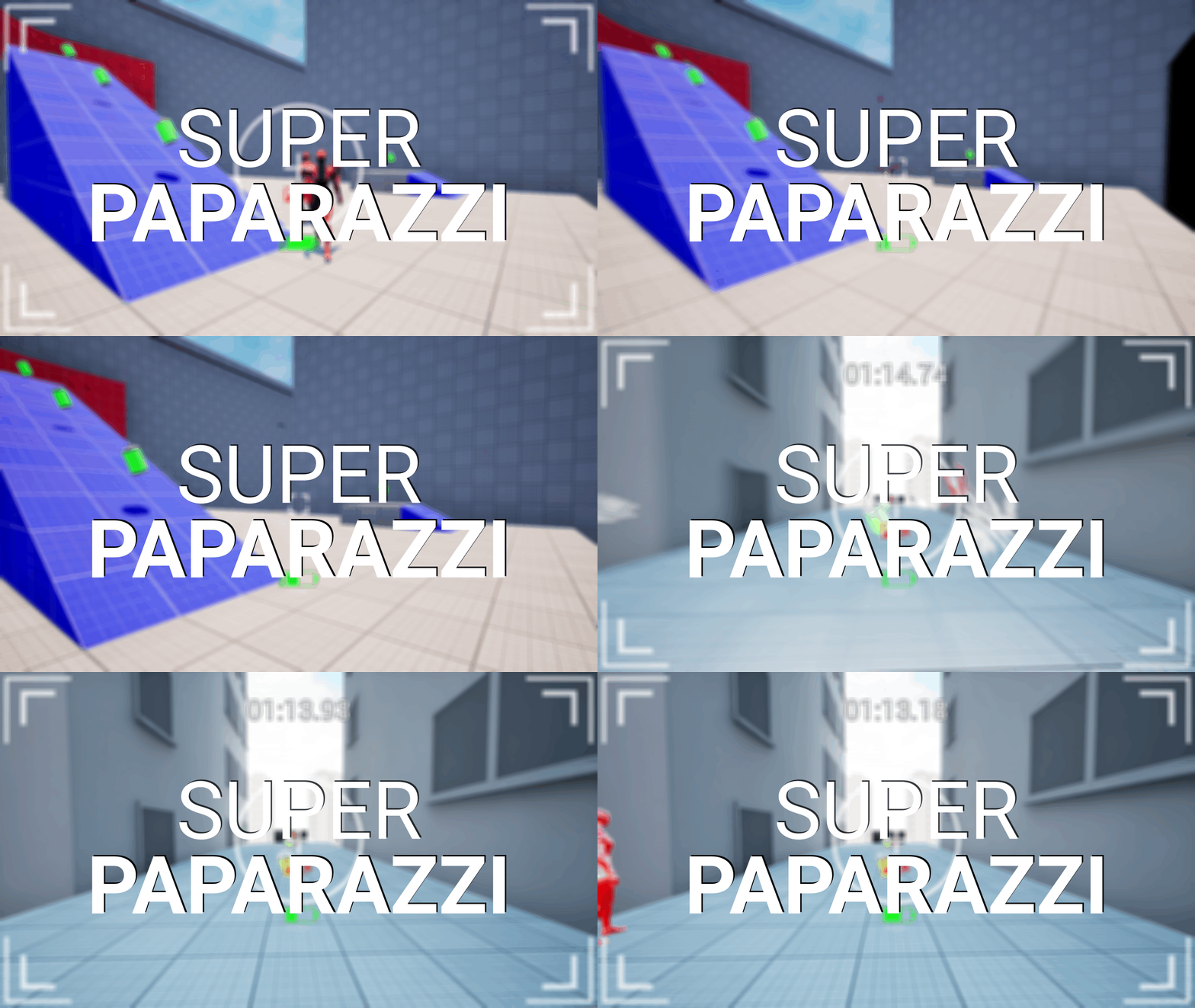
You're an over the top paparazzi photographer that will use their parkour abilities in order to get that picture of the "Golden Target" before the time runs out!
Background
This game was developed during a course offered by Matt Freedman's institution called "Freedman Design Institute".
Details
Genre: 3D Platformer, Photography
Engine: Unreal Engine 5.5
Team Size: 1
Role: Technical Design, Level Design
Platform: PC

RESPONSIBILITIES
Scripting
-
Scripting the game's core mechanics & features, such as:
-
Taking pictures & recognizing specific targets.
-
Camera flash.
-
Batteries.
-
Level Design
-
Creating levels where the player can explore the game's mechanics & features.

Scripting
Using the Camera
In "Super Paparazzi", the camera is used to recognize specific targets inside a level that needs to be photographed in order to progress further into a level.
Camera Flash
The camera flash is a powerful "weapon" that's used against the game's enemies which will knock the enemies over & take them out.
Camera
About
During development of the project, the original idea that I had was way too complex for the project duration, what I decided to do, was to pivot the game into becoming an over the top photography game with parkour elements.
This part of the portfolio will mainly focus on the core features & interactions with the camera and camera flash.
Zooming
How does the Zoom function?
The basic functionality of the "Zoom" is pretty straight forward, the moment the player holds down the "Zoom" input, a widget appears on the screen that enables the player to take pictures.
It's only in this "state" where the player is allowed to start taking pictures.
To emphasize that the player is "zooming in", some changes to the player's Field of Vision (or FOV) & sound effects are applied whenever the player zooms out/in.
Zooming - Blueprint
Taking Pictures
Actually taking pictures
Taking pictures is something that I'm personally very proud of.
Using a "Scene Capture Component 2D" (which is pretty much is a camera), it has 2 options that isn't needed:
-
Capture Every Frame
-
Capture on Movement
Since the camera only need to capture whatever the player points at once, capturing everything all the time isn't necessary here.
Taking Pictures - Blueprint
Taking Pictures - Sphere Trace By Channel

Detecting hits with Sphere Trace
There are multiple methods where you can "capture" the image of something, and the easiest method that I found, was using "Sphere Trace By Channel".
What it does in this context:
-
"Fires" a trace in the player's look direction of a set size & length.
-
On "Break Hit Result", the trace will look for specific tags:
-
If it hits the tag "Golden Target", the level is beaten
-
If it hits the tag "Secondary Target", it will aid the play to progress further into a level
-
If it hits nothing, the taken picture will appear to the left & move outside the screen
-
-
In "Super Paparazzi", the player needs to take photographs of the "Secondary Targets" in order to destroy "Gates the hinders the player's progression.
How Sphere Trace By Channel looks like
Taking Pictures - Displaying to a Material

Material

Detecting hits with Sphere Trace
To display the taken picture, the "Scene Capture Components 2D's" blueprint node called "Capture Scene" is used to "display" the taken picture to a User Interface material that's applied to an image widget.
Camera Flash
The Camera Flash Projectile
To defend themselves from the oncoming "super fans" (this game's enemies), a way for the player to defend themselves is using the camera flash in a unconventional way where the enemies doesn't get blinded, they get physically knocked down.
To be able to use the Camera Flash in the first place, the player is required to pick up a battery first.
Camera Flash - Blueprint
Camera Flash - The Projectile itself

What is it based on?
The camera flash projectile, is based on Unreal Engine 5's First Person Template!
The projectile itself is, when instantiated into the world, very large & exists not very long in the game before it's destroyed.
The projectile is a collision sphere, that when it overlaps with enemies, applies a "Add Impulse" on the enemy.
Camera Flash - Battery
What is the Battery?
The battery in "Super Paparazzi", is the pick up in the game that the player needs to acquire in order to use the "Camera Flash".
The player themselves can only pick up 3 batteries at a time and a battery (or charge) is used up every time the player uses the "Camera Flash" or an enemy attacks the player.
Camera Flash - Battery Blueprint
The blueprint of the battery is pretty straight forward:
-
When the game starts, it starts playing a sound effect to inform the player that there's a battery nearby.
-
When the battery collides with the player, the battery destroys itself
-
Using a Blueprint Interface.
-
That's all it really does, to increment/decrement the amount of batteries (or "charges") available to the player, the player character blueprint is the one that manages that part.
Add or Subtract "charges"
Level Design
Explore Mechanics & Features
With "Super Paparazzi", I set out to design levels that made the player explore the game's core mechanics & features.
As for my level design process for this game, I started with the idea of a "central feature" in the level and after that, I built around that specific central feature.
Tutorial Level
A new Tutorial Level
Making a tutorial level that teaches the player the game's fundamentals, such as core mechanics & features is a challenge.
With the previous tutorial level, one piece of feedback were that the level were "holding the player's hand a bit too much" & it also didn't help that the level itself had some issues loading in assets, specifically, tutorial videos that showed the player how to use the game's core mechanics and features.
So to remedy the previous tutorial levels challenges, I asked Daniel McNaught for assistance in creating a new tutorial level.
I requested from him, that I needed a tutorial level that had a more open space where the player can explore the game's mechanics and features more freely, and in my subjective opinion, I think Daniel have done a stand out job!
Level 1
Level 2
Level 3
Level 4
Cut Tutorial Level
Player Movement
My vision for "Super Paparazzi" was initially very different, but the base intent was the same: I wanted to create a game with some light parkour movement mechanics!
I knew from the start I wouldn't be able to implement something that complex on my own, especially considering that I had deadlines that I needed to meet.
So I managed to find an asset on FAB called: "Titanfall Movement System (TMS)"!
Acquiring this asset helped the development of "Super Paparazzi" a lot and with this asset, I managed to tweak the movement to fit my vision of the game, for this game the player can:
-
Walk around
-
Running
-
Crouch
-
Slide
-
Jump
-
Wall Run